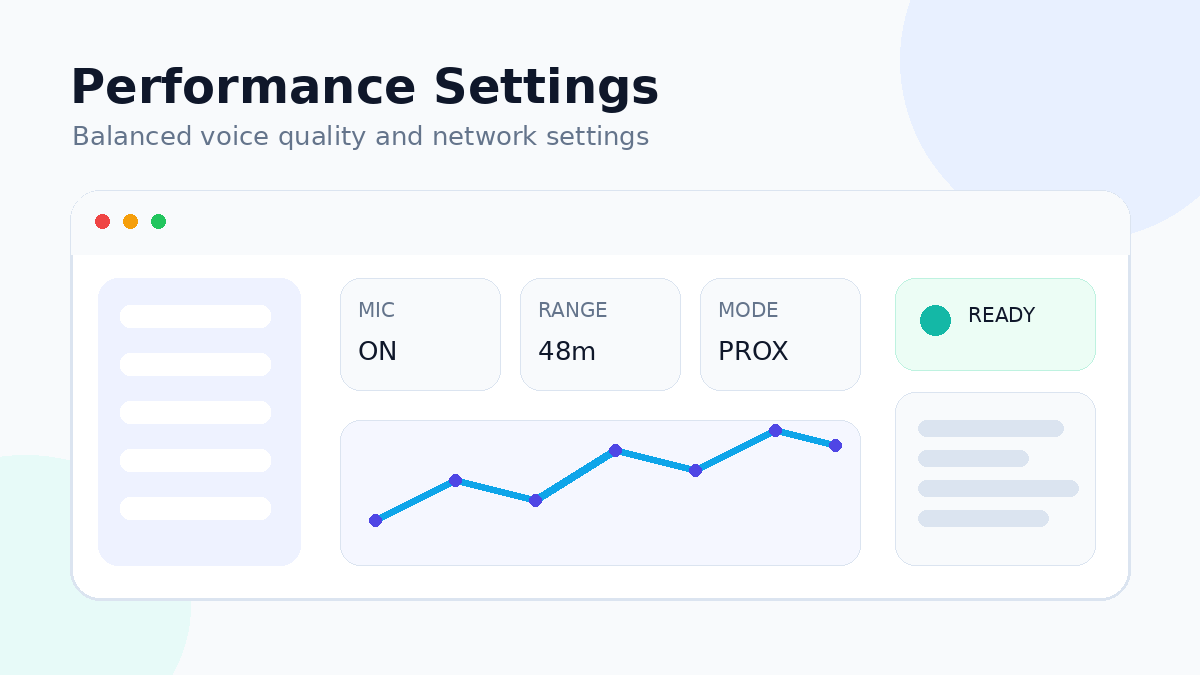
Voice quality is a balance between microphone quality, network stability and server conditions. Higher settings are not automatically better if they increase bandwidth or processing pressure without a meaningful improvement for users.
Start with a clean audio signal
Place the microphone at a consistent distance, avoid excessive input gain and disable unneeded sound processing if it creates clipping or pumping. A clean source gives the voice system better material to transmit.
Choose the correct device explicitly
Laptops and headsets can expose several similar device names. Select the intended microphone and output device rather than relying on a changing system default.
Prefer stability over maximum quality
If the installed build offers quality or bitrate controls, choose a moderate setting first. Test with multiple players before increasing resource usage.
Check network consistency
Packet loss and unstable Wi-Fi can harm voice even when gameplay seems mostly usable. Wired networking or a stronger local wireless connection can improve consistency for hosts and players.
Server-side habits
- Change one voice setting at a time.
- Keep a copy of known-good configuration.
- Document version and network changes.
- Test during realistic player counts when possible.
When quality problems are local
If only one player sounds poor, investigate that client’s microphone, gain, background noise and network path before changing server-wide settings.